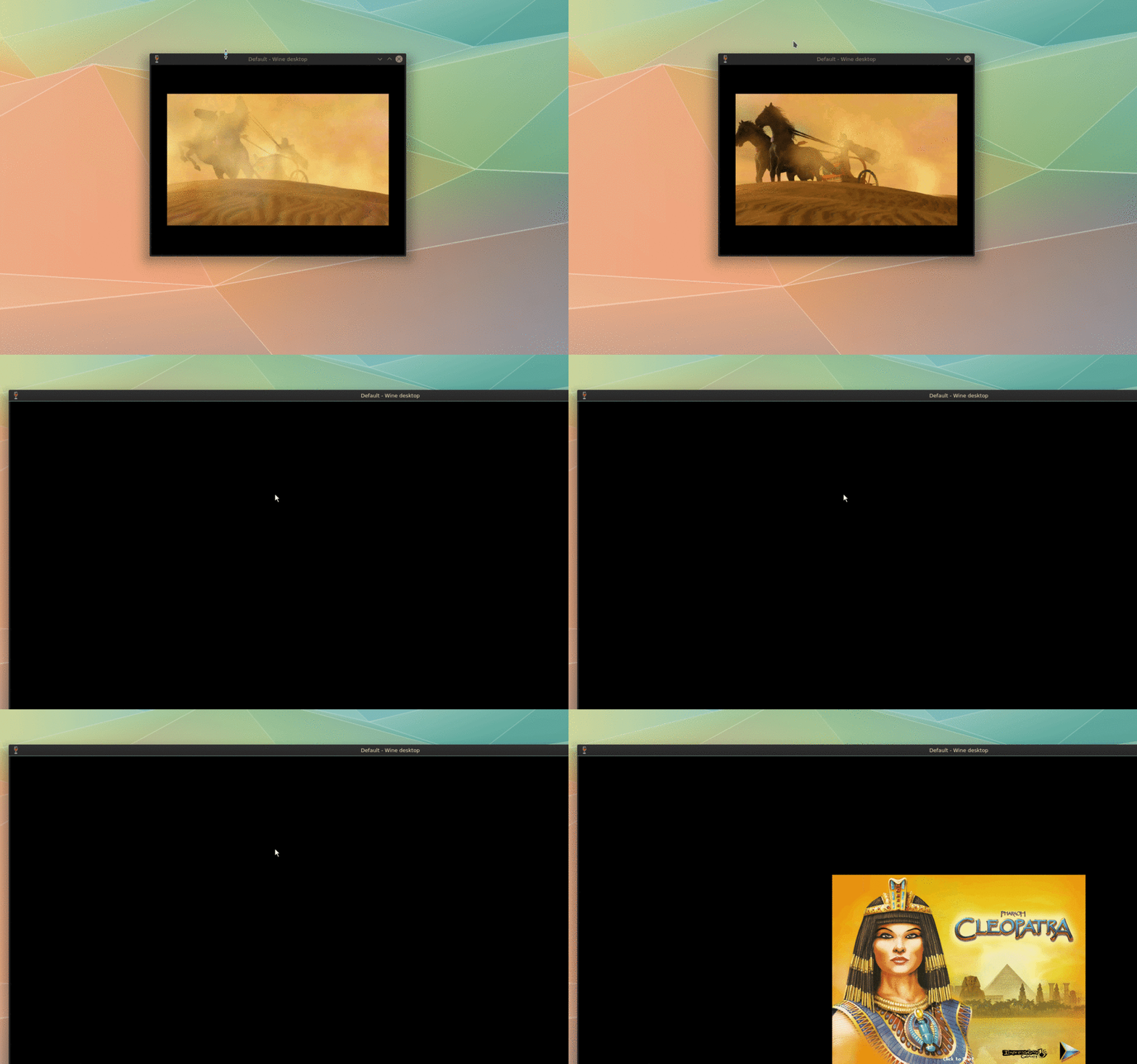
Pharaoh + Cleopatra
Pharaoh + Cleopatra are apart of the Impression Games city building series. Other titles on the same engine include Caeser III, Zeus, and Emporer.
Running on Fedora 28
Fedora 28, winehq-devel, and nvidia proprietary drivers
Install wine if you haven't already. Fedora 28 provides wine through the official repositories or you can install through winehq's official repository (for a newer version).
Setting wine prefix and creating .wine32
- Add
alias wine32="WINEPREFIX='/home/{your account}/.wine32' WINEARCH=win32"to your .bashrc or .zshrc. - Restart your shell and run the command
wine32 wine winebootto create the .wine32 folder in your home directory (storage for all the 32-bit games that don't play well with 64-bit wine)
Installing Pharaoh
After setting our prefix we're all set to install. Navigate to your Download and run the command: wine32 wine setup_pharaoh_gold_2.1.0.15.exe
A GOG installer should pop up navigating you through the install. Wine might prompt you to download some addition files (e.g. gecko).
Running Pharaoh
Pharaoh normally runs at 1024x768. It's perfectly playable at the default resolution but if you enjoy widescreen support there's a solution provided by widescreen gaming forum. It's a drop in replacement for the exe located in /home/{your account}/.wine32/drive_c/GOG Games/Pharaoh Gold/
In order to change the resolution to the new widescreen settings you must start a game. The graphics settings are not available from the main menu.
Wine virtual desktop
Instead of Pharaoh taking over your monitor fullscreen wine has the option to run games in a virtual desktop (windowed).
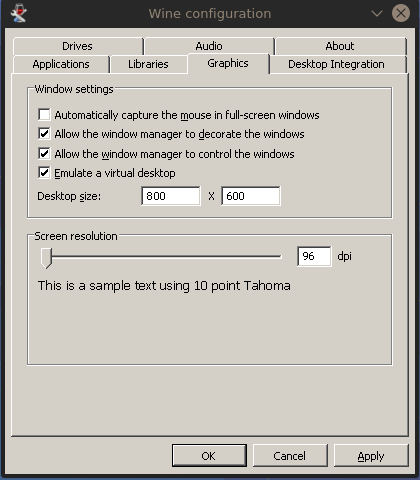
We'll have to edit wine's settings in winecfg. To edit the settings in 32-bit wine we'll run the command: wine32 winecfg
A settings application with launch and under the graphics tab select Emulate a virtual desktop and select a desired resolution (if it's smaller than widescreen patch it'll automatically resize).
Running